Increase Woodmart Theme Speed
CacheNinja - Resources
Learn how to increase the WordPress™ WoodMart Theme Speed
How to Speed Up the WoodMart WordPress Theme
WoodMart is a popular WooCommerce theme known for its design flexibility and robust feature set—but out of the box, it can be heavy and slow to load. This guide walks you through key steps to optimize WoodMart performance, reduce page load times, and deliver a fast, smooth shopping experience for your customers.
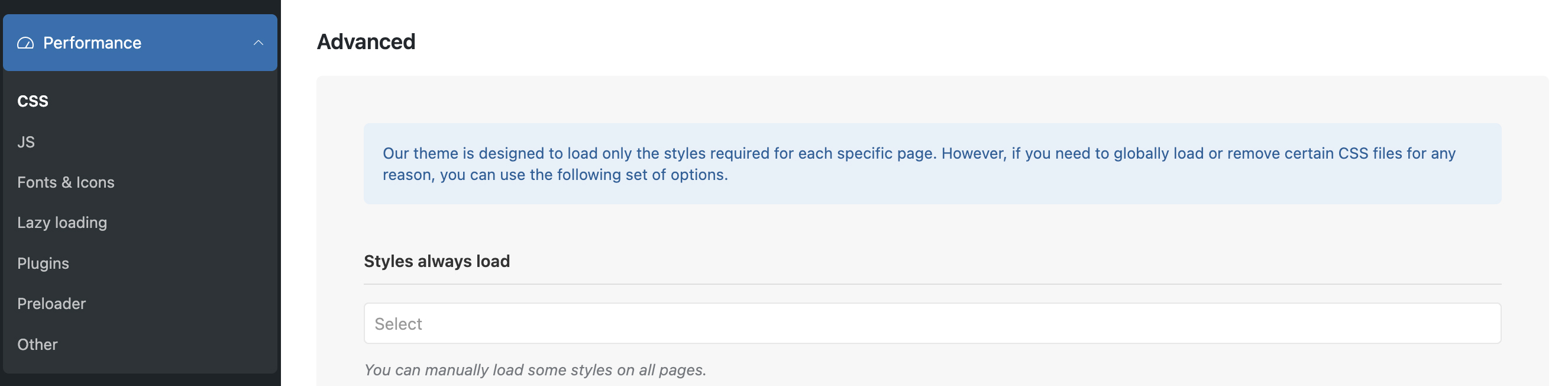
1. Disable Unused Features in WoodMart Theme Settings
Start by visiting WoodMart → Theme Settings → Performance in your WordPress dashboard. Here, disable any built-in features your store doesn’t need—such as product swatches, quick view, wishlists, or compare tools. Each of these adds extra scripts and styling, which can bloat your site and slow down page rendering.
Additional tips: Turn off emoji scripts, built-in animations, and Google Fonts if you’re not using them. These small changes can add up to noticeable performance gains.
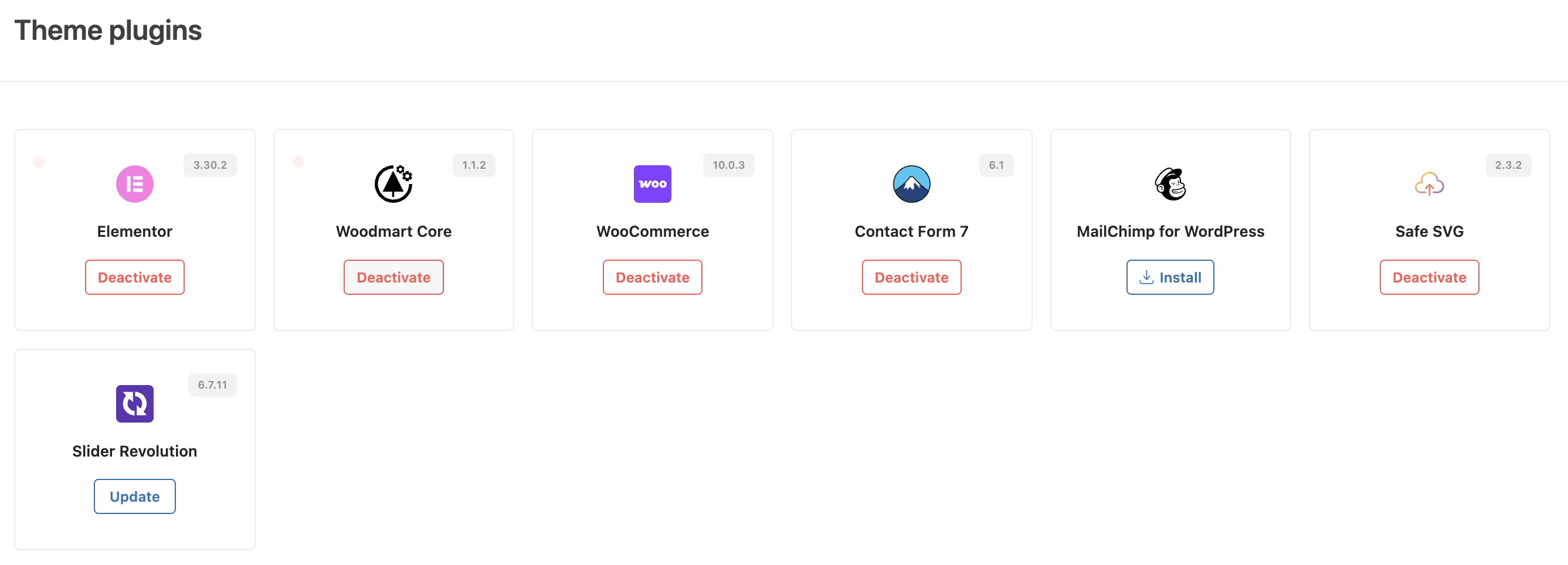
2. Reduce Third-Party Plugin Bloat
Audit your installed plugins and remove any that are inactive, redundant, or unnecessary. Avoid using third-party tools that duplicate functionality already built into WoodMart—such as popups, sliders, or mega menus. Excess plugins not only slow down your site but also increase the risk of script conflicts and longer Time to First Byte (TTFB).
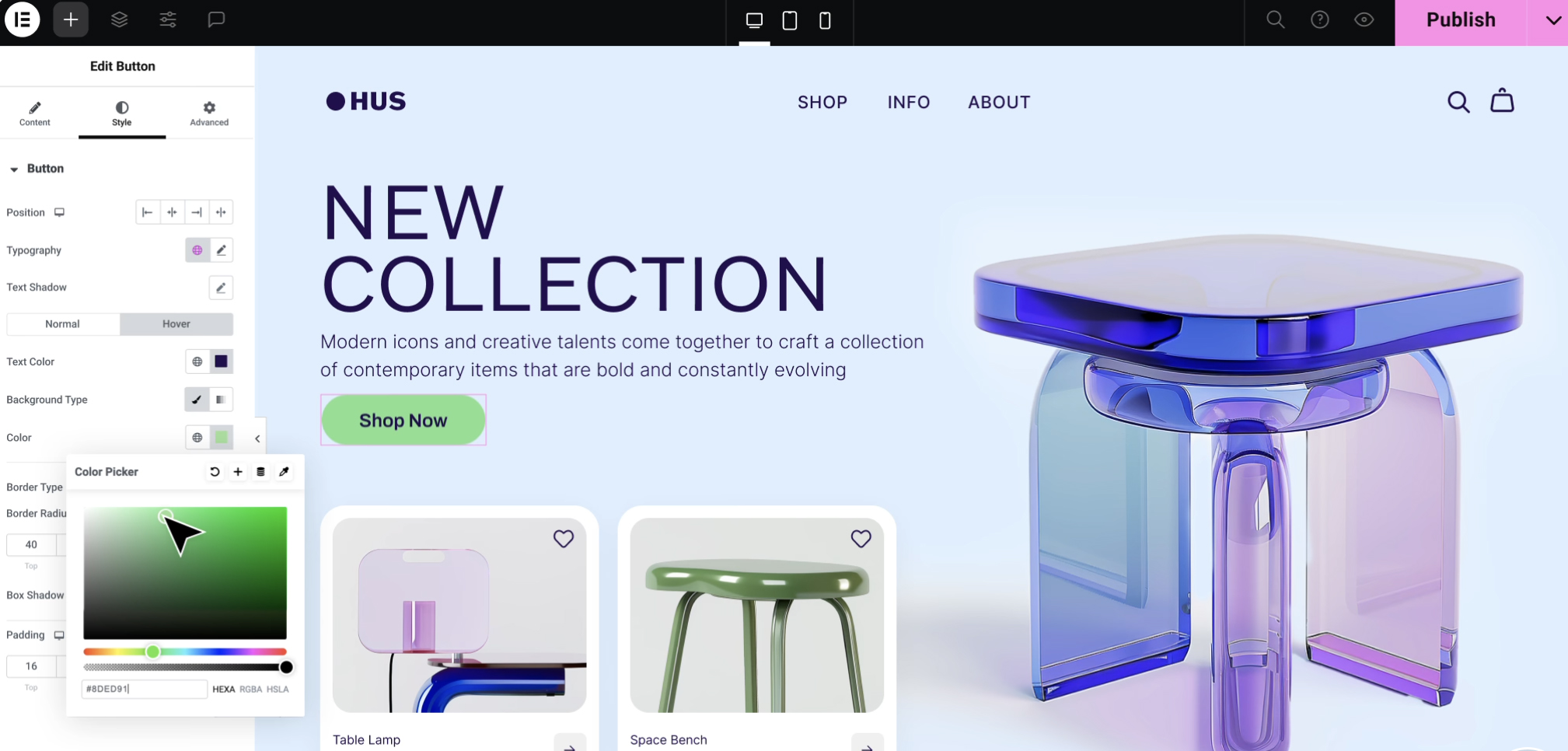
3. Optimize Elementor or WPBakery Page Builder Usage
If performance is a top priority, consider using Elementor over WPBakery. Elementor tends to be slightly leaner and faster with the right configuration. For best results:
- Disable unused Elementor widgets under Elementor → Settings → Experiments.
- Switch to the new Container-based layout for cleaner markup and reduced DOM size.
4. Enable Static and Page Caching
Install a high-performance caching plugin such as CacheNinja, WP Rocket, or LiteSpeed Cache. Caching significantly reduces load times by delivering pre-rendered pages instead of dynamically generating them on every visit.
Enable minification of HTML, CSS, and JavaScript where possible—but test your site thoroughly after enabling these options, as some minification processes can interfere with JavaScript behavior or layout.
Ensure that your hosting provider supports GZIP compression and browser caching for additional performance improvements.
5. Lazy Load Everything
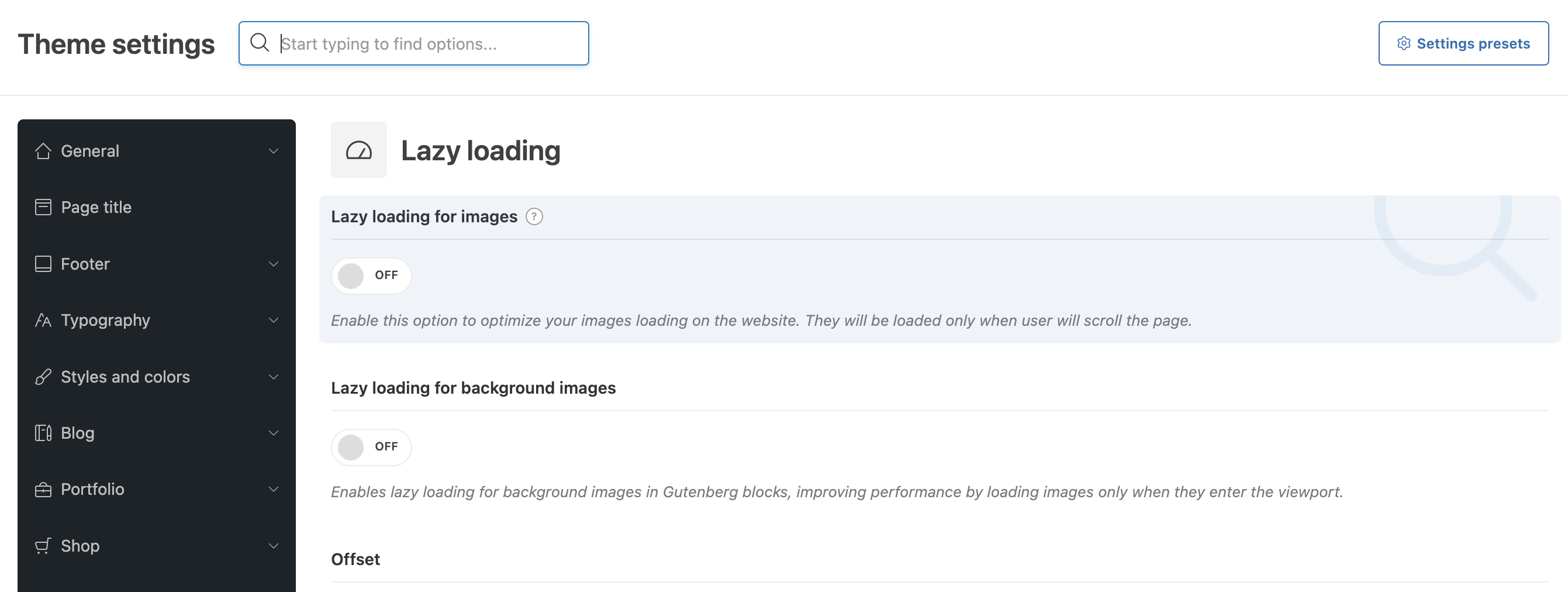
Lazy loading is a performance optimization technique that delays the loading of non-critical content—like images or iframes—until they are about to appear in the user’s viewport. This helps speed up initial page load times and reduces unnecessary bandwidth usage. Be sure to enable lazy loading for:
- Images
- Iframes (YouTube, Maps, etc.)
- Background images (if supported)
6. Use Optimized Fonts
1. Self-host your fonts instead of relying on Google Fonts.
Rather than pulling fonts from external services like Google Fonts—which can add extra DNS lookups and delay rendering—consider downloading and hosting your font files directly on your server. This gives you more control over loading behavior and improves overall site speed and privacy compliance.
2. Combine font files and minimize font weights and styles.
Loading multiple font weights and styles can quickly bloat your site. Limit your font usage to only the necessary weights (e.g., regular and bold) and combine font files where possible to reduce HTTP requests. This streamlines loading and helps your site render faster.
3. Preload critical fonts to improve First Contentful Paint (FCP).
Use the rel="preload" attribute in your HTML to instruct browsers to prioritize loading key font files early in the page lifecycle. This can significantly improve First Contentful Paint—the moment when meaningful content first appears—leading to a faster and more responsive user experience.

9. Reduce Image Sizes
1. Compress images using TinyPNG, ShortPixel, or image optimization plugins.
Large, uncompressed images are one of the most common causes of slow-loading websites. Tools like TinyPNG and ShortPixel use smart compression techniques to reduce image file sizes without sacrificing visible quality. These services can be used manually or through WordPress plugins that automatically compress images on upload. By minimizing file sizes, your pages load faster—especially on mobile devices—improving both user experience and search engine performance.
2. Convert images to WebP format for smaller, faster-loading files.
WebP is a next-generation image format developed by Google that provides superior compression compared to traditional formats like JPEG and PNG. By converting your images to WebP, you can achieve significantly smaller file sizes while maintaining high visual quality. This not only reduces page load times but also saves bandwidth. Most modern browsers support WebP, and many image optimization plugins offer automatic conversion during the upload process.
Speed Up Your Website Today
Drastically reduce your WordPress load times, generate increased conversions and avoid wasting revenue.
The WordPress® trademark is the intellectual property of the WordPress Foundation. Uses of the WordPress®, names in this website are for identification purposes only and do not imply an endorsement by WordPress Foundation. PluginBank is not endorsed or owned by, or affiliated with, the WordPress Foundation.