Installation
How to Install CacheNinja
Once you have purchased a license for CacheNinja (from Pluginbank.io), you will want to download and install the plugin archive/zip file.
1. Download The Plugin
Access the CacheNinja plugin from your account area. Navigate to Pluginbank.io and login using your username and password. Once logged in, you will see your Dashboard area. Look to the bottom of the interface to locate your product purchases. Locate the "Plugin File" link and download the file.

Important Note
Note your license key. You will need this to activate your plugin after it has been installed
2. Install the plugin
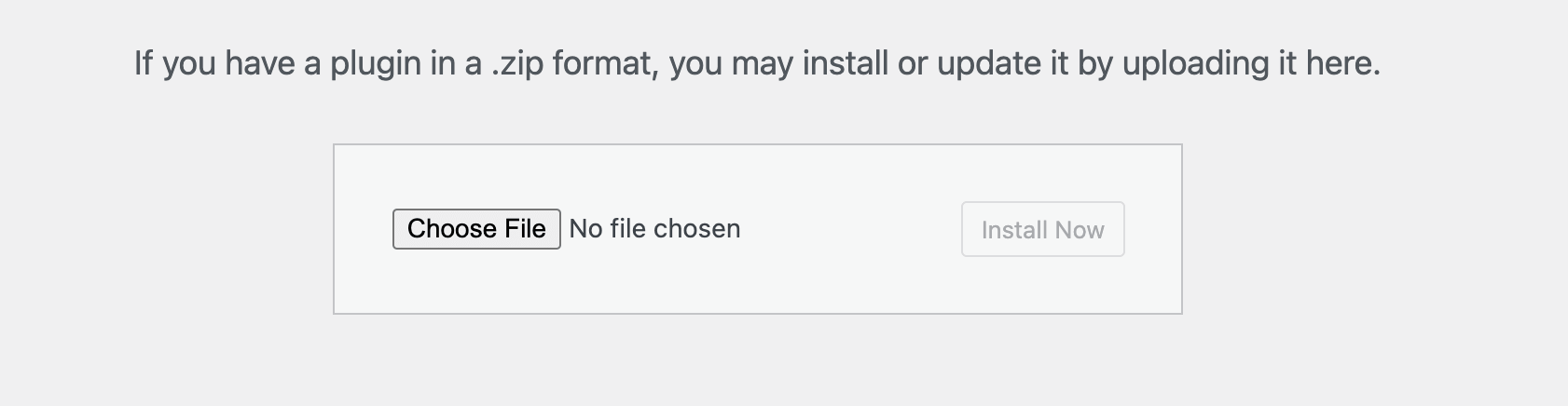
Install the CacheNinja plugin on your WordPress website. Log into your WordPress Admin and navigate to the "Plugins" option in the WordPress side menu. At the top of the screen, locate the "Add New Plugin" button and press it. From the Add Plugins screen that appears, press the "Upload Plugin" button. You will now see the screen below prompting you to locate the plugin file. Press the "Choose File" button and select the .zip file you downloaded in the previous step:
3. Activate Your License
To begin using your plugin, please activate it:
Option 1
Visit the CacheNinja plugin by either navigating to the "Plugins" section in the Wordpress admin menu and clicking on the "Settings" options as shown below:

Option 2
Visit the CacheNinja plugin by visiting the "Cache Ninja" link in the main WordPress admin menu and clicking on the name "CacheNinja" as shown below:

4. Activate Your License
Locate the "Settings" section of the plugin by navigating to the "Settings" button on the plugin main screen. The button is located on the right hand side of the view:

Paste In License Key
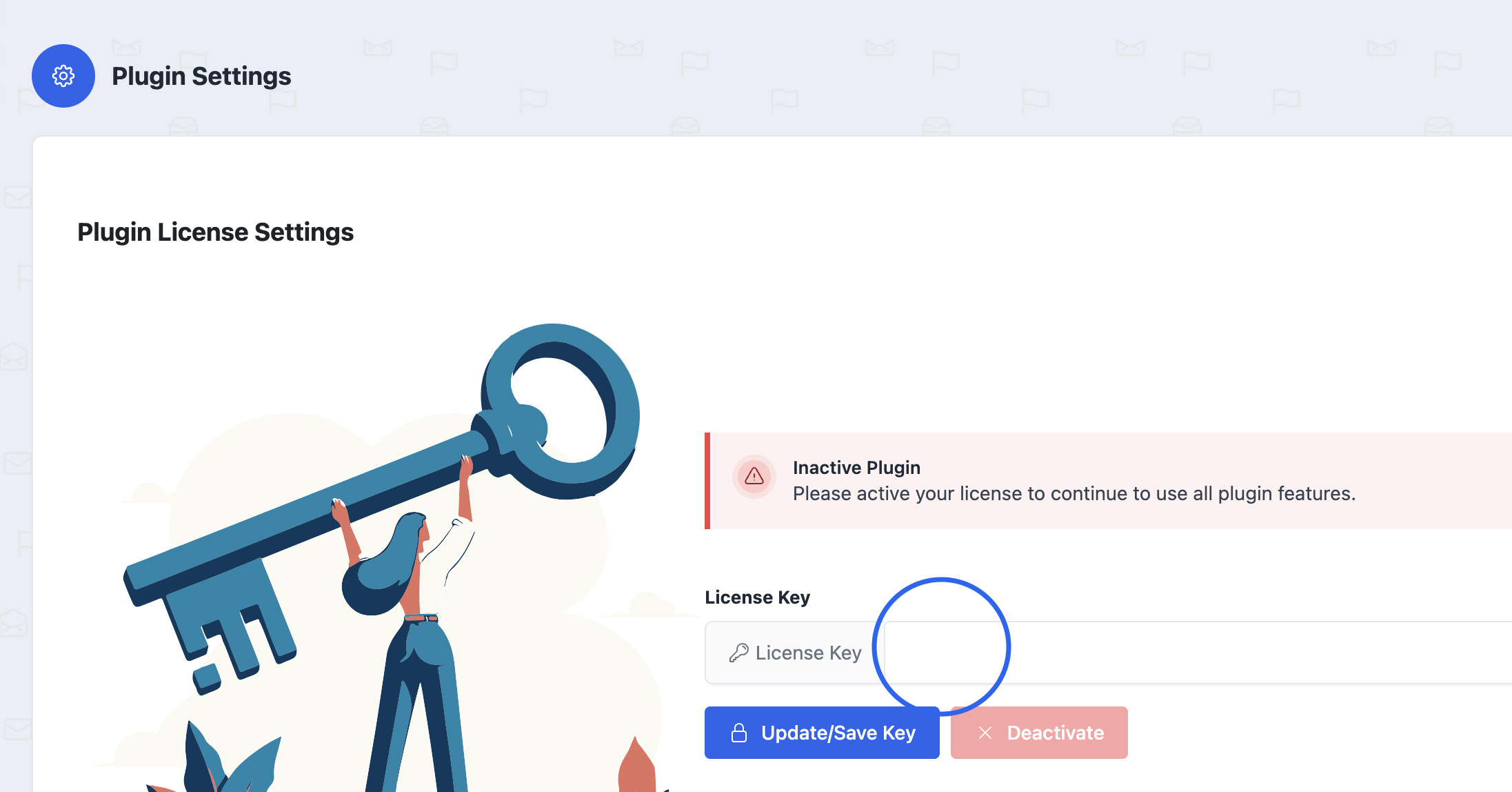
Paste in your License Key in the field shown below and press the blue "Update/Save Key" button:
Locate License
Note: You find your License Key in your dashboard on app.pluginbank.io in the same area you downloaded your plugin in the first step of this documentation.
Speed Up Your Website Today
Drastically reduce your WordPress load times, generate increased conversions and avoid wasting revenue.
The WordPress® trademark is the intellectual property of the WordPress Foundation. Uses of the WordPress®, names in this website are for identification purposes only and do not imply an endorsement by WordPress Foundation. PluginBank is not endorsed or owned by, or affiliated with, the WordPress Foundation.